

Did you know that one-third of people worldwide who use the Internet are under 18? A recent study shows that children have been using the Internet at younger and younger ages. Many parents have dedicated their phones to their young children to keep them occupied while you feed them, move them around, run various errands, and do homework. According to Nji, children can now access the Internet using their cell phones or computer. WiFiWijs can help many parents since it is a site that provides information about the use of gadgets, the actions and responses of other users on the Internet, and how your children can deal with it.
There is a massive benefit to using the World Wide Web, but there is a growing concern about “digital addiction” and “screen addiction” for kids. Children are more susceptible to being influenced by people on the Internet, and they are exposed to many risks of which they are unaware. As a parent, it is critical to understand these dangers, decide if your child is involved in any inaccurate actions on the Internet, and then take steps to help them. Here are some ways to help your child use the Internet accurately:
Stay Updated With Technology
When using a particular technology, try to understand the principles of how it works. This way, it can allow you to track its use, understand the potential risks, and plan your strategies on how you can teach them to use it properly.
Learn How Social Media Works

Teach your children about the influence social media has on them by learning how it works for yourself. It might help your children develop media literacy by addressing the suggestions and concepts they see in their favorite books, programs, and movies. Help them understand that this is not precisely what they see in the media. With older children, in-depth conversations are needed about the pros and cons of sharing political opinions in social media, the immorality of sharing someone else’s art without their consent, and other issues related to the ethics of using the Internet.
Monitor Their Internet Use
 Observe how your child uses the Internet. This step includes ensuring they don’t share personal information with strangers, that they don’t use profanity language, and you are aware of the photos, videos, and posts they upload. For your kids, you can install apps that you can download using VPN that block inappropriate or dangerous sites but allow them to investigate anything they need to.
Define the Risks
No matter what age your child is struggling with online, it is essential to understand the risks. Let your children know that you are always there to encourage and help them.
Set Ground Rules
This step includes scheduling breaks when you don’t want to use the network, adhering to the minimum age limit in social media, and frequently communicating about Internet use.

 One of the most notable impacts of technology on the music industry is music distribution. In the past, musicians promoted their music in music magazines and shows, but this has changed. We are in the digital era, where most things are done online.
 Apart from music distribution, technology has had a significant impact on the way music is produced. The process of making music has been simplified with technology. There are many apps and software that one can use to make music.
 It would be best to delete the folder to solve the problem. In this way, you will need to exit the Steam application and the game. You need to open a number of the following directory found. Then, it allows you to publish the subfolder called Bin. Therefore, you can eliminate the first issue for the errors.
 Firstly, you will need to scan your Windows registry with a registry cleaner and fix any issues found. Portal two requires DirectX and Microsoft Visual C++ Redistributable to be installed on your computer to run thoroughly. If the installation of these packages is corrupted, you may receive the Portal 2 will send you an error message “The Launcher DLL could not be loaded”. It means that you must perform other methods afterward.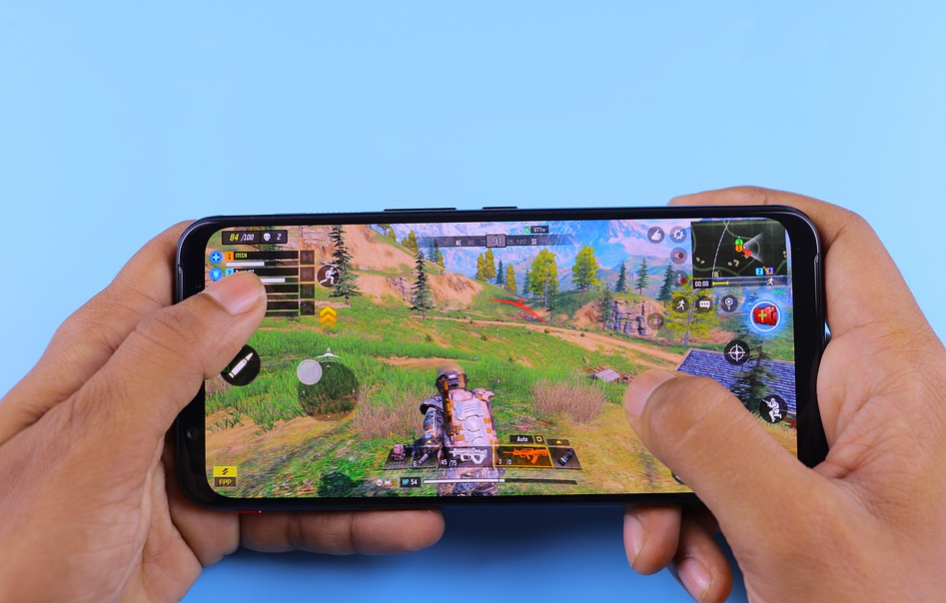
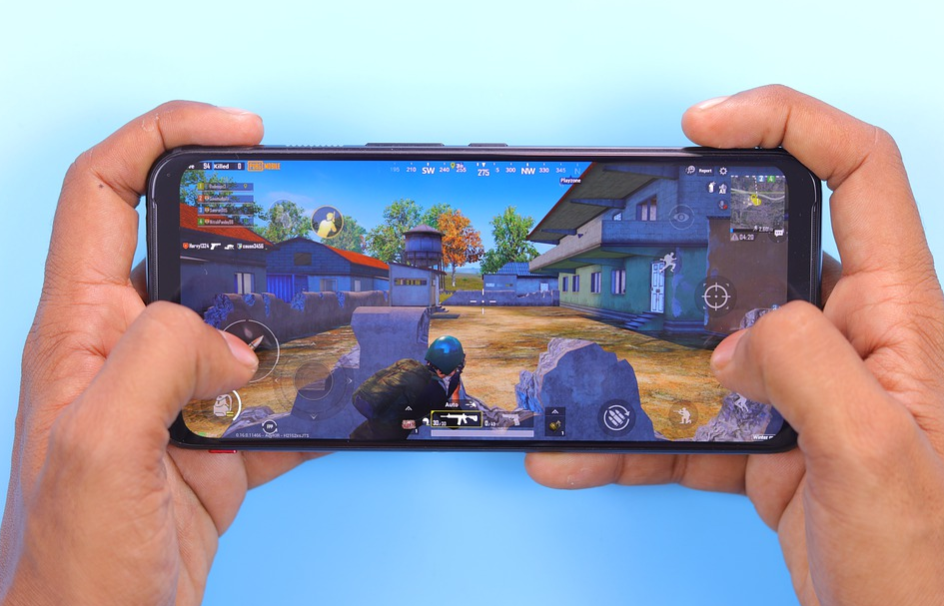
 Even though the games are through Google Play, it does not mean they are automatically safe for download. Always be sure to analyze reviews and testimonials on the Android apps you want to download, as they will allow you to find out about technical difficulties you are likely to meet. Essentially, the greater the rating and the number of downloads of the game, the safer it is to download the game. If the game is a new release with few reviews, take the time to learn a bit more before proceeding with the download.