
Blog Tug Tech Reasons Every Coder Needs a Laptop Cooling Pad

Reasons Every Coder Needs a Laptop Cooling Pad

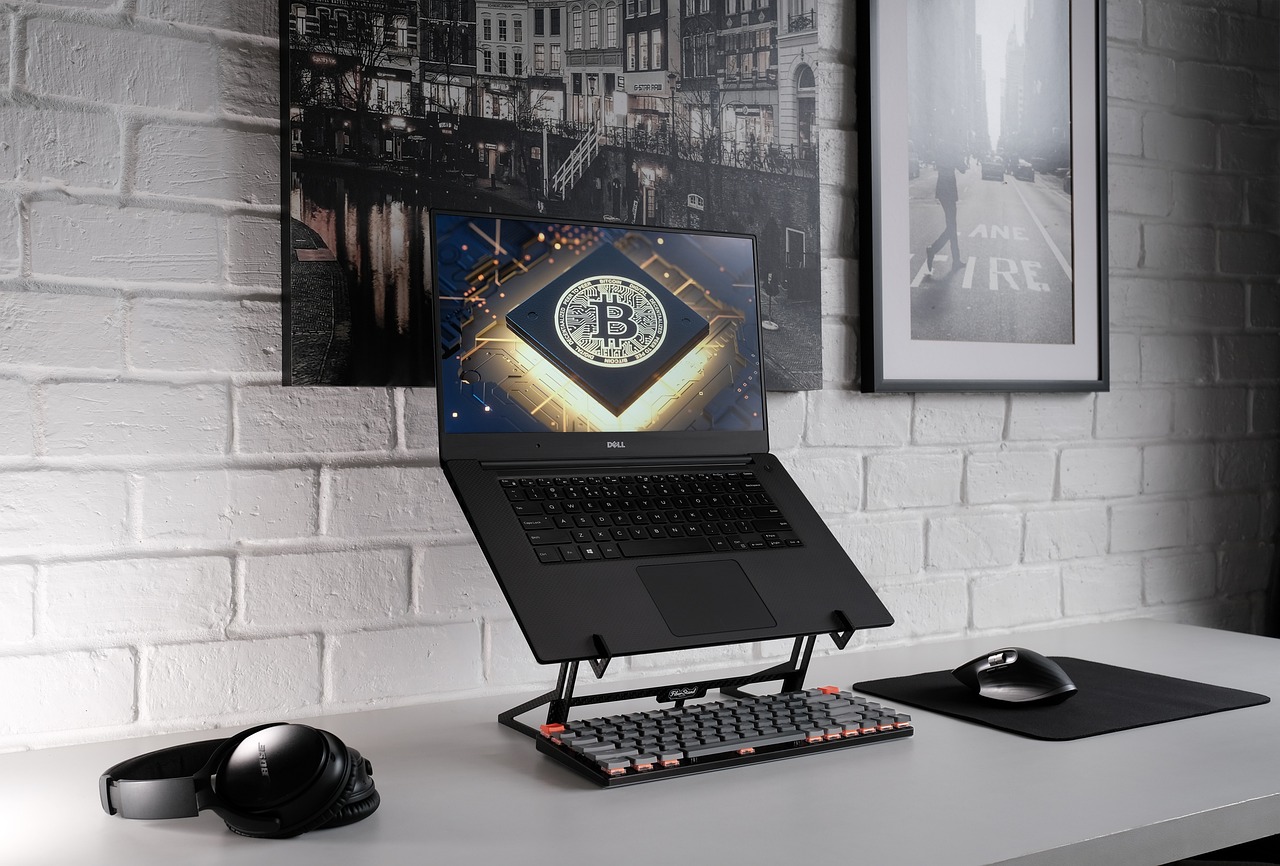
Coding often demands intensive use of resources, whether running development environments, virtual machines, or data-heavy applications. Extended periods of work for programmers who rely on laptops can result in overheating, slowing down performance, and potentially damaging hardware. A laptop cooling pad is a practical and affordable accessory that can address these issues and is one of the ideal gifts for coders. It ensures your device performs optimally while enhancing your comfort. Here’s a closer look at why every coder should consider investing in a cooling pad.

Prevents Overheating During Intensive Coding Sessions

Laptops generate a lot of heat when coding, especially with complex software like integrated development environments (IDEs), virtual machines, or data analysis tools. Over time, this excessive heat can slow down processing speeds, create instability, or even cause abrupt shutdowns, disrupting workflow. A laptop cooling pad helps prevent these issues by providing additional airflow to the laptop, effectively dissipating heat. With one in place, coders can work without worrying about temperature-induced slowdowns or crashes, keeping productivity on track.

laptop

Extends Laptop Lifespan

Overheating is a primary cause of hardware wear and tear, particularly affecting critical components like the CPU and battery. By managing the laptop’s temperature, a cooling pad can extend the life of these parts, reducing the likelihood of costly repairs or replacements. Consistently keeping your laptop cool with a cooling pad helps maintain stable performance over time, making it a smart investment for the longevity of your device, especially if you rely on it for daily coding tasks.

Enhances Performance and Stability

Maintaining optimal temperature levels directly impacts a laptop’s performance and stability. When a laptop overheats, it often reduces performance as a protective measure, a process known as thermal throttling. This decrease in processing power can slow down code compiling, debugging, or running complex simulations. A cooling pad provides the extra airflow necessary to prevent overheating, allowing the laptop to operate at full capacity without interruptions. With a stable temperature, coders can maintain an efficient workflow, minimizing delays caused by performance drops.

Enhances Airflow in Suboptimal Environments

Not all workspaces have proper ventilation or temperature control, which can exacerbate laptop overheating. A laptop cooling pad provides an effective solution for coders who work in warmer environments or shared spaces without adequate cooling. Its built-in fans improve airflow beneath the laptop, compensating for environmental factors that contribute to overheating. This makes a cooling pad especially valuable for those who work remotely, in co-working spaces, or travel frequently, as it provides consistent cooling no matter where they are working.


Protects Against Accidental Data Loss

Overheating can lead to unexpected shutdowns, which in turn can cause data loss. Losing hours of coding progress can be frustrating and disrupt workflow, especially if the work wasn’t saved recently. A cooling pad minimizes the risk of overheating-related shutdowns, protecting against accidental data loss. Coders can focus on their tasks without worrying about losing work, as the cooling pad helps keep the laptop running smoothly.

Conclusion

A laptop cooling pad is essential for coders who rely on their laptops for intensive tasks. Preventing overheating safeguards both the laptop’s performance and its components, leading to better productivity and a longer device lifespan. An affordable yet valuable accessory, a cooling pad is a must-have for anyone serious about maintaining their laptop’s performance and comfort for extended coding sessions.


Leave a Reply

Your email address will not be published. Required fields are marked *

Related Post

player

The Cheater’s Dilemma: Why Video Games Struggle to Police CheatingThe Cheater’s Dilemma: Why Video Games Struggle to Police Cheating

Video games have been around for decades, and with the advent of online gaming, the potential for cheating has increased exponentially. Gaming Aimbots are some of the popular cheating technologies used among gamers, and in some cases, they allow players to achieve unbeatable scores or abilities.

While video game companies have taken steps to mitigate cheating, it is still a major issue that affects millions of players worldwide. This article will explore why video games struggle with cheaters and how some developers use technology to combat this problem.

Peer-to-Peer Networksplaying

The technology that facilitates online gaming is a peer-to-peer (P2P) network. This technology connects players worldwide, allowing competition and collaboration to make an online game successful. Unfortunately, the same technology that makes online gaming possible is also what enables cheaters to ruin it. Players can use technology to gain an unfair advantage, such as speed hacks or aimbots.

Anti-Cheat Software

The most common way developers combat cheating is by using anti-cheat software. These programs typically run in the background of gaming sessions and scan for suspicious behavior, such as rapid movement or multiple kills in a short period. If a player is detected engaging in suspicious behavior, they can be banned from the game or have their account suspended.

Inconsistent Solutions

The problem with anti-cheat technology is that it can only detect cheating after it has already happened. In most cases, punishments for cheaters are often inconsistent, with some players getting away with their exploits while others get banned. Furthermore, technology can’t always distinguish between an intentional cheat and a game. This results in innocent players being unfairly punished.


Necessary But Ineffective Tech

The use of anti-cheat technology is necessary for online gaming communities, but it is not always effective in preventing or deterring cheating. Cheaters are constantly finding new ways to exploit technology and game mechanics, making it difficult for developers to stay ahead of them. As technology advances, so too do the capabilities of cheaters. It creates an ongoing challenge that video games struggle to combat.

Conclusion

playingWhile anti-cheat technology is necessary to maintain a fair and enjoyable environment for online gaming, it is not always able to keep cheaters in check. Developers must continually evolve their technology to ensure that all players have an enjoyable experience. Until technology can permanently stay ahead of the cheaters, developers will continue to face the challenge of policing cheating within their games.



Doctor

The Healthcare Software to Combat Pandemic OutbreakThe Healthcare Software to Combat Pandemic Outbreak

The COVID-19 epidemic is directly affecting countries all over the world. Pharmaceutical researchers and doctors are looking for new technologies that will enable them to treat people and reduce their susceptibility to this disease. Currently, hospitals and technology companies are working together to resist the virus. Some notable companies that have helped fight the disease with advanced technologies include. Nowdays, there are kinds of medical software, you can read more on https://www.bignewsnetwork.com/news/267286690/industry-trusted-and-comprehensive-medical-scrubbing-software-solutions.

TytoCare

medical software

This technology provides remote assessment devices to people in need of medical care. One innovative tool the provider offers is a stethoscope that allows the doctor to monitor the patient’s lungs and heart. Patients also receive equipment that enables them to send images of their neck, skin, and ears to their doctor.

Current Health

Some doctors in the US and UK use Current Health apps to monitor patients remotely. Doctors can use current Health technology to monitor patients who they believe have COVID-19. This technology could improve hospital capacity by allowing people who do not need critical care to be monitored from home.

Infervision

Infervision is a Beijing-based company that helps hospitals evaluate CT scans. A manual examination of a CT scan can take about 15 minutes. But Infervision’s technology can determine a CT scan in as little as 10 minutes. Data This technology allows doctors to have video conversations with patients, and patients can also record their body temperature.

Teledoc

Teledoc is a telemedicine company that has experienced rapid share growth due to the epidemic. This software is used to know disease surveillance data to hospitals Center for Disease Control (CDC) to combat the virus.

EHR-EMR

The EHR connects to a broader network of electronic health programs, allowing access to data that is not available locally. On the other hand, the EMR is smaller and only has access to an electronic version of the institution’s history. Most hospitals need EHR applications, but an EMR system probably makes more sense for a doctor’s office or a small clinic.

Medical Billing

Medical billing software has changed the way healthcare works. Healthcare facilities can receive most payments instantly, allowing them to function better. However, the impact of billing applications goes beyond getting paid. It has provided the backbone through which hospitals worldwide can share information to serve their patients better.

Digital Nursing

Virtual nursing is the most promising healthcare area offering a personalized strategy with all the necessary training and services. Digital care eliminates the need to travel, reaching remote areas struggling to provide better healthcare. Digital care can help change people’s behavior and inspire them to adapt to a healthy lifestyle. Digital care attracts high satisfaction from patients with chronic diseases.

If you are in a remote location where healthcare is not accessible, virtual healthcare allows you to get the care you need. AI and Urges chatbots are available 24/7 to provide personalized care, answer any questions you may have, and help you make an appointment with a healthcare provider. These technologies attract high patient satisfaction and improve treatment outcomes. Digital care is a way to give every patient a private healthcare provider.

playing game

How to Solve DLL Errors When Playing Games on PCHow to Solve DLL Errors When Playing Games on PC

There will be some issues when installing software and playing games on a PC. Some users might face portal two errors: “Failed to load the Launcher DLL” if they try to load portal two games. If you are one of these users, you are in the right place to fix this error. Besides, some people might encounter API issues like explained on https://www.primeinspiration.com/how-to-fix-api-ms-win-crt-heap-l1-1-0-dll-error.html. If you experience these cases, you must find the solution right away. Here are the suggestions are given to fix the error:

Remove the Bin Folder

PC gameIt would be best to delete the folder to solve the problem. In this way, you will need to exit the Steam application and the game. You need to open a number of the following directory found. Then, it allows you to publish the subfolder called Bin. Therefore, you can eliminate the first issue for the errors.

Reinstall the Game

You will need to follow some steps to perform the procedure. Click Processes and run the Portal Two procedure. Confirm the action when prompted. You will see the control panel. Then, you could uninstall a program. Select Portal 2 in the list of installed programs and click uninstall. After that, you will need to download an initial setup to install Portal two on your PC. This way allows you to

Fix Registry Problems

fixing the issuesFirstly, you will need to scan your Windows registry with a registry cleaner and fix any issues found. Portal two requires DirectX and Microsoft Visual C++ Redistributable to be installed on your computer to run thoroughly. If the installation of these packages is corrupted, you may receive the Portal 2 will send you an error message “The Launcher DLL could not be loaded”. It means that you must perform other methods afterward.

Visit Microsoft’s website and download a new configuration for these two tools. Run the downloaded files and follow the instructions on the screen. Reboot the device when you are done. It relates to the lack of security permissions on the CSC folder that can cause this error. Therefore, it would be best to set the ideal security permissions by following the tasks.

After those steps above, you should ensure the process. This way requires you to double-click to launch the following directory. Then, you will see some information. You need to click the Security tab and click the button. Finally, click the OK button. If everything is solved, you can open and play the game on your PC again.