Blog Tug Tech Reasons Every Coder Needs a Laptop Cooling Pad

Reasons Every Coder Needs a Laptop Cooling Pad

Coding often demands intensive use of resources, whether running development environments, virtual machines, or data-heavy applications. Extended periods of work for programmers who rely on laptops can result in overheating, slowing down performance, and potentially damaging hardware. A laptop cooling pad is a practical and affordable accessory that can address these issues and is one of the ideal gifts for coders. It ensures your device performs optimally while enhancing your comfort. Here’s a closer look at why every coder should consider investing in a cooling pad.

Prevents Overheating During Intensive Coding Sessions

Laptops generate a lot of heat when coding, especially with complex software like integrated development environments (IDEs), virtual machines, or data analysis tools. Over time, this excessive heat can slow down processing speeds, create instability, or even cause abrupt shutdowns, disrupting workflow. A laptop cooling pad helps prevent these issues by providing additional airflow to the laptop, effectively dissipating heat. With one in place, coders can work without worrying about temperature-induced slowdowns or crashes, keeping productivity on track.

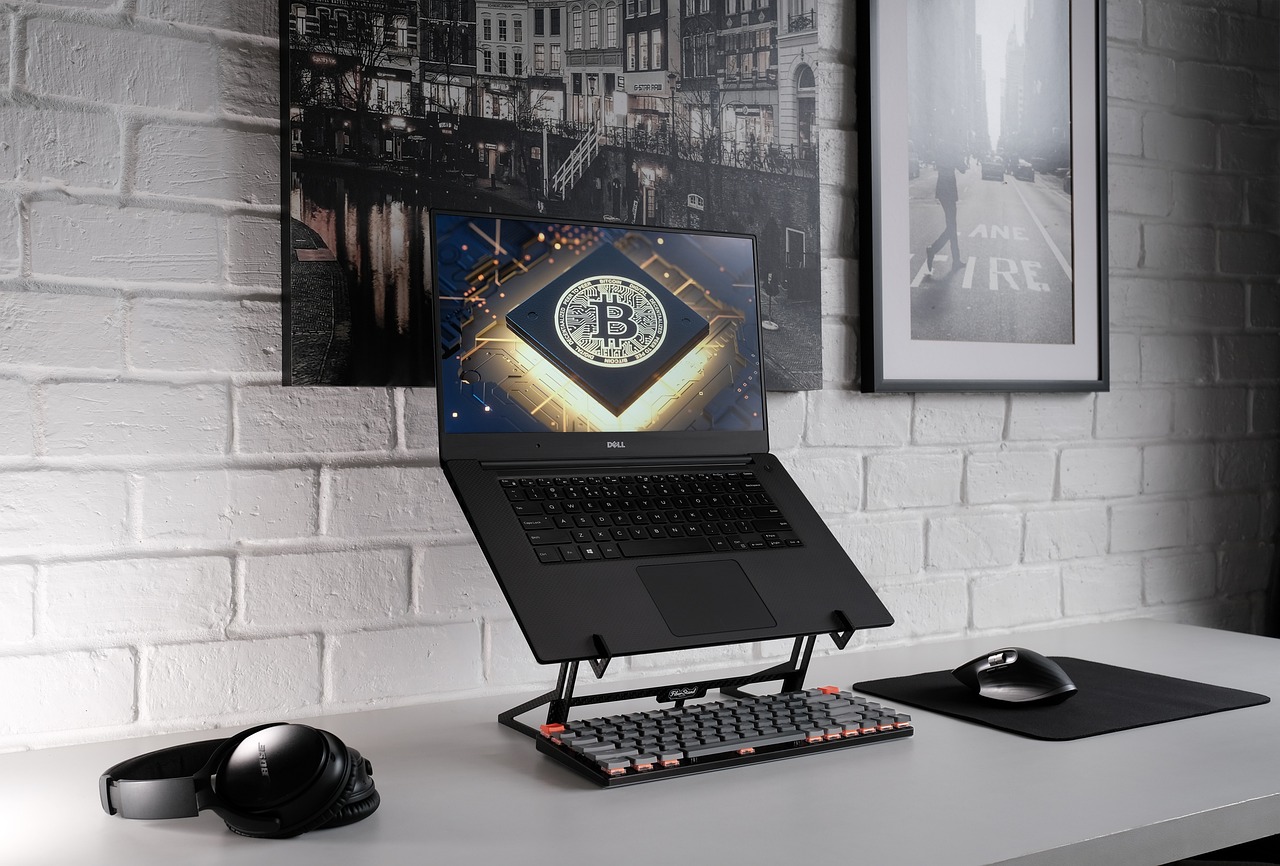
laptop

Extends Laptop Lifespan

Overheating is a primary cause of hardware wear and tear, particularly affecting critical components like the CPU and battery. By managing the laptop’s temperature, a cooling pad can extend the life of these parts, reducing the likelihood of costly repairs or replacements. Consistently keeping your laptop cool with a cooling pad helps maintain stable performance over time, making it a smart investment for the longevity of your device, especially if you rely on it for daily coding tasks.

Enhances Performance and Stability

Maintaining optimal temperature levels directly impacts a laptop’s performance and stability. When a laptop overheats, it often reduces performance as a protective measure, a process known as thermal throttling. This decrease in processing power can slow down code compiling, debugging, or running complex simulations. A cooling pad provides the extra airflow necessary to prevent overheating, allowing the laptop to operate at full capacity without interruptions. With a stable temperature, coders can maintain an efficient workflow, minimizing delays caused by performance drops.

Enhances Airflow in Suboptimal Environments

Not all workspaces have proper ventilation or temperature control, which can exacerbate laptop overheating. A laptop cooling pad provides an effective solution for coders who work in warmer environments or shared spaces without adequate cooling. Its built-in fans improve airflow beneath the laptop, compensating for environmental factors that contribute to overheating. This makes a cooling pad especially valuable for those who work remotely, in co-working spaces, or travel frequently, as it provides consistent cooling no matter where they are working.


Protects Against Accidental Data Loss

Overheating can lead to unexpected shutdowns, which in turn can cause data loss. Losing hours of coding progress can be frustrating and disrupt workflow, especially if the work wasn’t saved recently. A cooling pad minimizes the risk of overheating-related shutdowns, protecting against accidental data loss. Coders can focus on their tasks without worrying about losing work, as the cooling pad helps keep the laptop running smoothly.

Conclusion

A laptop cooling pad is essential for coders who rely on their laptops for intensive tasks. Preventing overheating safeguards both the laptop’s performance and its components, leading to better productivity and a longer device lifespan. An affordable yet valuable accessory, a cooling pad is a must-have for anyone serious about maintaining their laptop’s performance and comfort for extended coding sessions.


Leave a Reply

Your email address will not be published. Required fields are marked *

Related Post

playing game

How to Solve DLL Errors When Playing Games on PCHow to Solve DLL Errors When Playing Games on PC

There will be some issues when installing software and playing games on a PC. Some users might face portal two errors: “Failed to load the Launcher DLL” if they try to load portal two games. If you are one of these users, you are in the right place to fix this error. Besides, some people might encounter API issues like explained on https://www.primeinspiration.com/how-to-fix-api-ms-win-crt-heap-l1-1-0-dll-error.html. If you experience these cases, you must find the solution right away. Here are the suggestions are given to fix the error:

Remove the Bin Folder

PC gameIt would be best to delete the folder to solve the problem. In this way, you will need to exit the Steam application and the game. You need to open a number of the following directory found. Then, it allows you to publish the subfolder called Bin. Therefore, you can eliminate the first issue for the errors.

Reinstall the Game

You will need to follow some steps to perform the procedure. Click Processes and run the Portal Two procedure. Confirm the action when prompted. You will see the control panel. Then, you could uninstall a program. Select Portal 2 in the list of installed programs and click uninstall. After that, you will need to download an initial setup to install Portal two on your PC. This way allows you to

Fix Registry Problems

fixing the issuesFirstly, you will need to scan your Windows registry with a registry cleaner and fix any issues found. Portal two requires DirectX and Microsoft Visual C++ Redistributable to be installed on your computer to run thoroughly. If the installation of these packages is corrupted, you may receive the Portal 2 will send you an error message “The Launcher DLL could not be loaded”. It means that you must perform other methods afterward.

Visit Microsoft’s website and download a new configuration for these two tools. Run the downloaded files and follow the instructions on the screen. Reboot the device when you are done. It relates to the lack of security permissions on the CSC folder that can cause this error. Therefore, it would be best to set the ideal security permissions by following the tasks.

After those steps above, you should ensure the process. This way requires you to double-click to launch the following directory. Then, you will see some information. You need to click the Security tab and click the button. Finally, click the OK button. If everything is solved, you can open and play the game on your PC again.

gadget

Apps to Improve Your Phone’s PerformanceApps to Improve Your Phone’s Performance

You may be very impressed with the performance of your Android phone. It runs a large number of games and programs. However, your phone can become unstable or drain the battery faster than necessary if you don’t maintain it. Problems on your device often appear when you install many apps or run more than one at a time. Just like your PC, your phone or tablet needs standard monitoring to ensure optimal speed and performance. Some monitor your phone’s processing power and offer periodic evaluations. Here are some top background check services apps that you can install on your phone.

Greenify

Greenify is probably the only battery-saving app you could ask for. It’s completely free and fairly easy to use. When you set more and more apps on your Android phone, your device is a battery guzzler and slows down a lot. With greenify, you can prevent them from running in the background to save battery and make your device faster. You have to select a few options, such as if your phone is rooted or if you don’t want to give the “Use Reachability” permission, as it’s mandatory starting with Android 5.1.1 to detect the running status of apps. Once you’ve followed the on-screen instructions, you’ll be able to select which apps should be put to sleep when not in use.

SD Speed Increase

apps

The cache size fluctuates after each reboot, but this can be solved with a small checkmark under the slider that permanently restores your preferred settings after rebooting your phone. Since it’s completely free (with ads), you can try it on your unlocked device.

Android Assistant

It offers a series of settings, utilities, and monitoring tools to check your Android’s health and improve its functionality. You’ll have the ability to capture new CPU usage, full battery information, and free memory. Its screens are incredibly clear and easy to read. The most useful part of the app is the Tools menu, which contains some of the best utilities to improve your device’s performance, from a nifty cache cleaner to a startup manager. Android Program Manager is an excellent app for those who want a single program to boost their device’s performance.


gadget

Major Trends in the Field of Digital and Social Media TechnologyMajor Trends in the Field of Digital and Social Media Technology

Digital technology has changed nearly every facet of contemporary life. It is now rare to find an electronic device that does not incorporate digital technologies. However, some people are still not fans of social media technology according to a twitter survey from thinkbiganalytics. Digital technology ensures that devices can be more streamlined, lighter, quicker, and much more flexible. Huge amounts of data can be saved locally or remotely and moved around almost instantaneously.apps

High Communication Speeds

man using kindleDigital technology makes it effortless to remain in contact with friends and family members remotely. You’re able to communicate with voice, audio, video, and other social websites. Websites and applications have been made to assist users to interact. Social networking, texting, messaging, notebooks, tablet computers, and phones imply that nobody needs feel isolated from your electronic world. Internet rates have grown exponentially since the first days of dial-up. Ever quicker broadband allows the transfer of considerable quantities of data throughout the internet in a snap. This makes it feasible to stream audio and video in real-time, send huge data files, and access information from almost any place on the planet. Conventional media communication may take more.



Remote Working

Digital technology enables the storage of enormous amounts of data in relatively tiny spaces. Massive quantities of websites, photographs, videos, music, contact info, and other files can be carried out on small devices such as cellular phones. Higher connectivity choices mean that lots of individuals now have a lot more opportunities for working from home, as remote functioning becomes increasingly frequent. Many jobs can be done hundreds, or perhaps thousands of miles away without difficulty. Without the demand for many employees to be within precisely the same construction, many additional flexible working practices are now potential.

Service Automation

brandingDigital technology is making machines brighter. Sometimes, the machines no longer need people to run them, freeing up employees from frequently repetitive jobs for much more interesting tasks. In other scenarios, smarter machines imply superior standards of security or a much better experience for the consumer. Products and services fall in cost as the technology grows and becomes even more prevalent. Many jobs can now be accomplished directly by clients, instead of needing to be achieved through a different individual acting as an intermediary.